
You're at home on a Sunday, and you want to know how yesterday went. So you drive back to the café, log into the one terminal by the till, and wait for it to whir to life. Sound familiar?
That's the old way. And right now, three in four Australian restaurants have left it behind. Here's a fair look at cloud POS in Australia — the real wins, the honest catch, and a checklist to tell if it's your turn.
What's actually changed
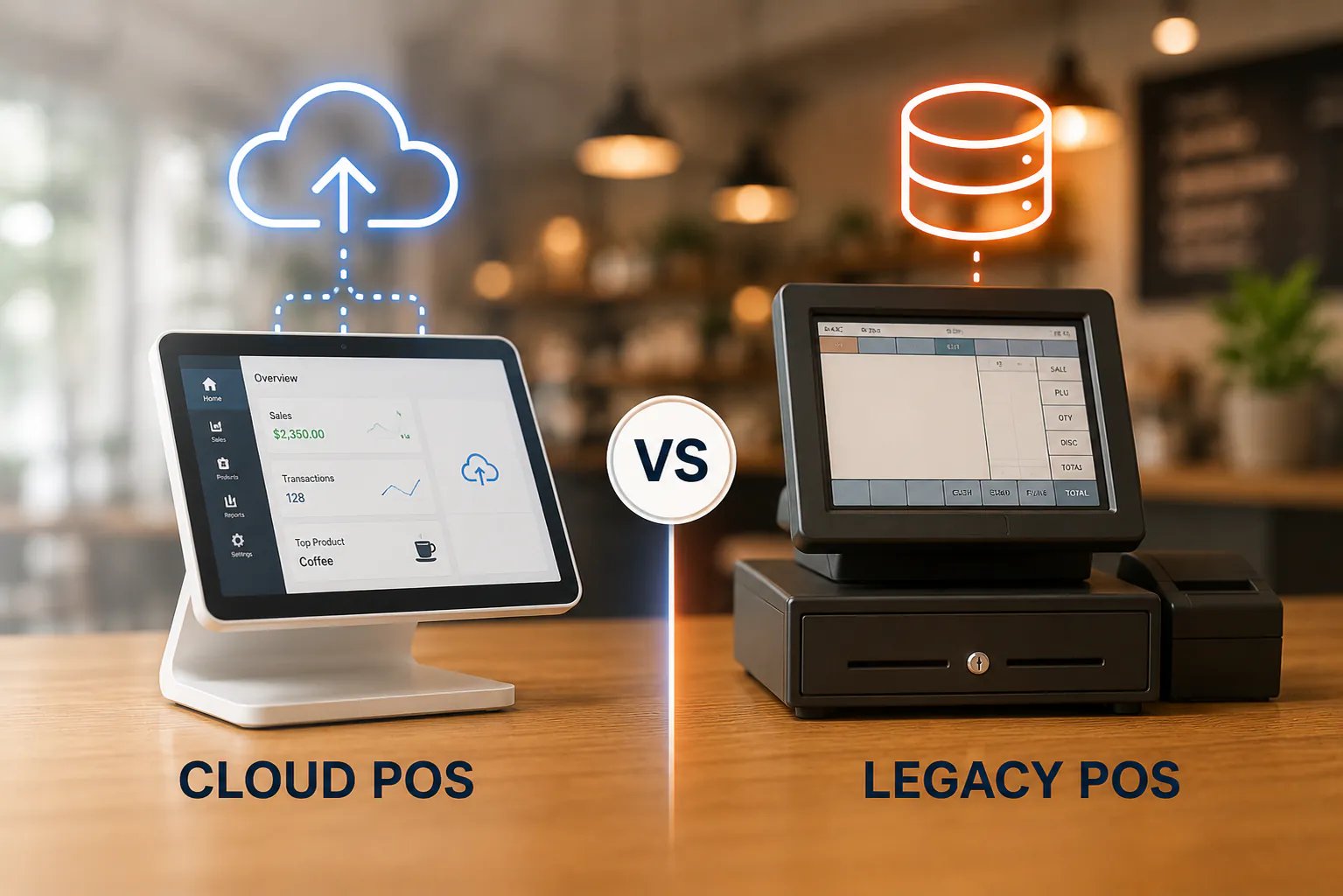
A legacy POS lives on a machine in your shop. The software sits on that box, your data sits on that box, and so do you when you want to check anything.
A cloud POS flips that. Your data lives online, so you can reach it from your phone, your laptop, or a tablet at the bench. 74% of Australian restaurants now run a cloud-based POS — and that number's been climbing for a reason.
Cloud vs legacy, side by side
No system's perfect, so here's the straight comparison.
| Legacy (locally installed) | Cloud POS | |
|---|---|---|
| Where you check reports | At the terminal, on site | Any device, anywhere |
| Updates | Manual, often paid, sometimes skipped | Automatic, in the background |
| Rule changes | You chase the patch | It's already there |
| Upfront cost | Often lower to start | Usually a monthly fee |
| Works offline | Always | Most do, then sync later |
Three upsides stand out for café and retail owners.
You can run things remotely. Pull real-time reports from any device — at home, on the road, or over a coffee while someone else minds the floor. You don't have to be in the building to know what's selling.
Updates just happen. Cloud systems update themselves in the background. So when the rules shift — surcharge wording, GST handling, payment standards — you're not stuck on outdated software hoping a fix turns up. Compliance gets easier because you're always current.
The numbers are live. Not last night's export. Right now. That's the difference between guessing and knowing when you're deciding whether to put a second person on Saturday.
The honest bit: switching takes effort
Here's where we keep it real. Moving off a legacy system isn't a click. It's a project — a manageable one, but a project.
You'll migrate your menu or product list, your prices, and ideally your sales history. Staff need a short run on the new screens. And you'll want to pick a quiet week, not the lead-up to a long weekend.
Legacy systems aren't villains, either. If yours runs fine, never goes down, and you never need to check it from elsewhere, there's no shame in keeping it. The case for cloud gets strong when those gaps start costing you time.
To plan it well: back up your current data, list every report you actually use, run both systems in parallel for a few days, and lean on your provider's onboarding rather than going it alone.
Is it time to switch? A quick checklist
Tick the ones that ring true. Three or more, and cloud's worth a proper look.
- You can only check sales from the one terminal in the shop.
- You've missed a software update — or been quoted to install one.
- You've been caught out by a rule change your POS didn't handle.
- You manage more than one site, or plan to.
- Your reports are always yesterday's, never today's.
- Your current hardware is ageing and getting harder to support.
- You want to step back from the floor without going blind on the numbers.
Where Weeklify fits
This is the gap we built Weeklify to close. It's a cloud POS made for Aussie cafés and retailers — manage the shop from your phone, pull live reports anywhere, and let updates sort themselves out. No Sunday drive required.
Curious whether it's your turn? Have a read through the checklist again, then book a quick chat and we'll talk you through it — no pressure.
Sources: Australian Restaurant Business Statistics — TapTouch POS; POS System Trends 2026: AI, Voice Ordering & Cloud Technology — LithosPOS
General information only. This article isn't legal, financial, or compliance advice — check your own obligations or get professional advice before making a decision.
The Weeklify team writes about payments, POS and the day-to-day of running a service business in Australia.
Run a calmer, fuller salon.
Everything you just read is built into Weeklify. Start your three months free — no credit card.