

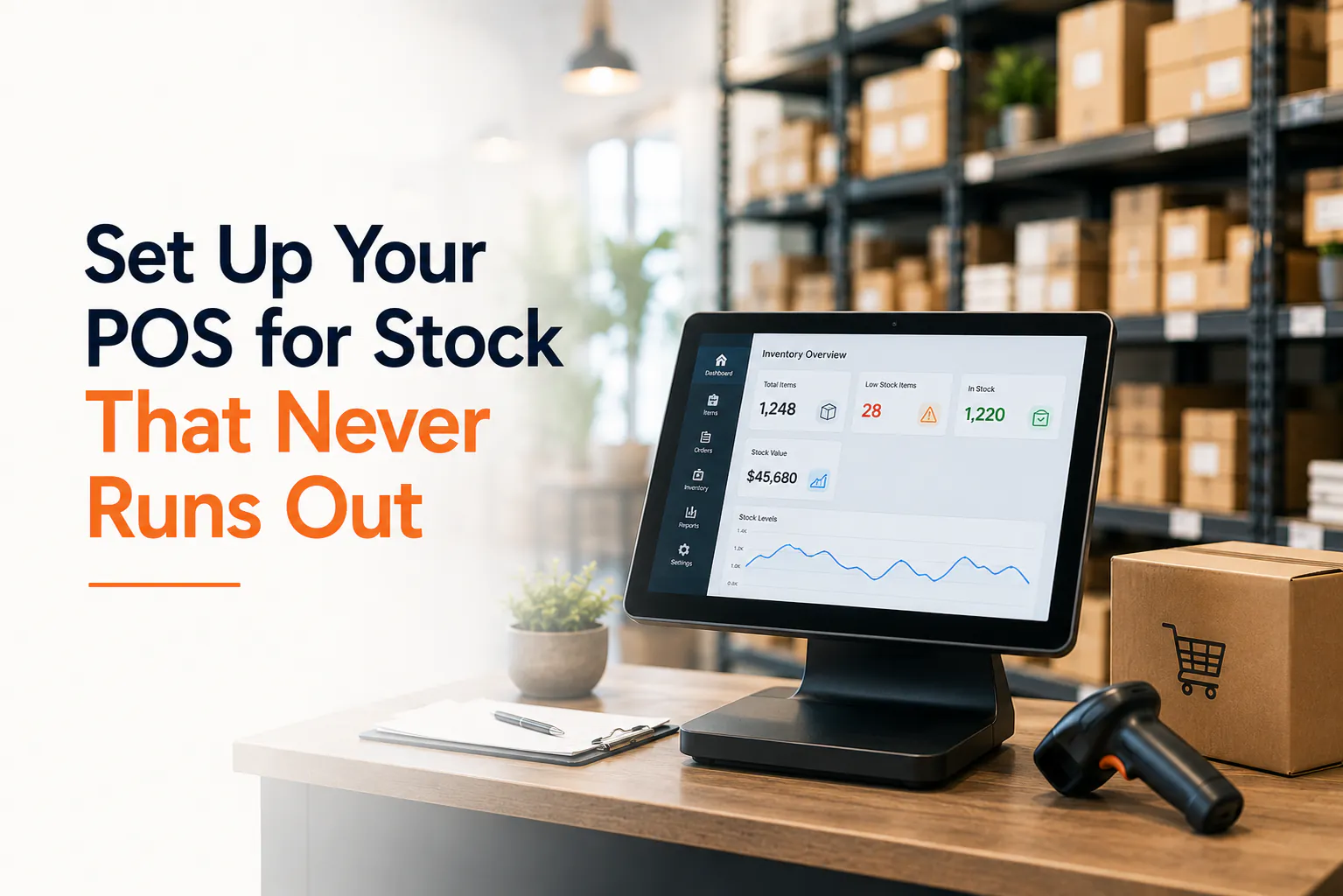
Your best-seller is gone again. The shelf's empty, a customer's standing there, and you're saying "sorry, try us next week" — which usually means try the shop down the road instead.
Meanwhile, three boxes of that print nobody bought last winter are still sitting out the back, tying up cash you'd rather have in the till.
That's the inventory squeeze. Out of the stuff that sells, drowning in the stuff that doesn't. The fix isn't buying smarter on gut feel — it's setting your POS up to do the watching for you.
Here's how to get your pos inventory management sorted in five steps. Most of this works on whatever system you're running. We'll use Weeklify as the example because that's what we know.
1. Set a reorder point for every product
A reorder point is the stock level that triggers "time to order more". Hit it, and you reorder before you run dry.
The rough sum: daily sales × supplier lead time, plus a small safety buffer.
Say you sell six of a candle a week — that's roughly one a day. Your supplier takes five days to deliver. So you'll burn five candles waiting on the order. Add a buffer of three for busy weeks, and your reorder point is eight.
When stock drops to eight, you order. The shelf never hits zero.
Start with your top 20 sellers. They're the ones that hurt when they're gone, and they're where you'll feel the difference first.
2. Turn on low-stock alerts
A reorder point is only useful if something tells you you've hit it. Nobody's got time to check stock counts by eye between customers.
Set your POS to flag a product the moment it drops to its reorder point. A good system pings you by email or in your dashboard, so you find out at the counter — not when the shelf's already bare.
This is the single change that stops most stockouts. You stop relying on memory and start getting nudged.
3. Record your supplier lead times
Lead time is how long a supplier takes from "order placed" to "boxes on your floor". It's the number your reorder points lean on, so it pays to get it right.
Don't guess. Look back at three or four real orders and count the days. A local wholesaler might be two days. An overseas supplier might be six weeks.
Save the lead time against each supplier in your POS. Then, when you set reorder points, the maths actually reflects reality — not a hopeful estimate.
A tip: bump the lead time up a little before Christmas and EOFY. Suppliers get slammed too, and a two-day delivery can quietly become five.
4. Set par levels so you stop over-ordering
A reorder point tells you when to buy. A par level tells you how much — the maximum you want on the shelf at once.
This is your guard against dead stock. Without a ceiling, it's easy to over-order a slow mover "just in case" and watch it gather dust for a year.
Set the par level to cover demand until your next order lands, with a bit of headroom. For that candle selling one a day with a five-day lead time, a par of around 15 keeps you stocked without burying cash in wax.
Fast sellers get a higher par. Slow movers get a low one. Your shelves start matching what people actually buy.
5. Lock in a stocktake routine
Your POS counts stock as you sell it. But theft, breakages and miskeyed sales mean the number on screen and the number on the shelf slowly drift apart.
A stocktake brings them back in line. Pick a rhythm and stick to it:
- Weekly spot-checks on your top sellers and anything pricey.
- Full count every quarter, or at least once a year for tax time.
Do counts when the shop's quiet — early morning or after close. Scan as you go so the corrected numbers land straight in your POS, no spreadsheet afterwards.
Accurate counts keep every step above honest. Reorder points and alerts only work if the stock figure they're built on is real.
Your setup checklist
Work through this once and you're sorted:
- Reorder points set for your top 20 sellers
- Low-stock alerts switched on (email or dashboard)
- Supplier lead times recorded against each supplier
- Par levels set so you've got a ceiling, not just a floor
- A stocktake routine booked in — weekly spot-checks, quarterly full count
- Lead times nudged up before busy seasons
Where Weeklify fits
Once your reorder points and lead times are in, Weeklify watches stock for you and fires a low-stock alert the moment a product needs reordering — so you're not checking counts by hand. The numbers update with every sale, and stocktake scans go straight in.
The point isn't fancy software. It's a system that remembers so you don't have to — and a shelf that's got what your customers came in for.
Further reading
Sources: Stock control and inventory — business.gov.au
General information only. This article doesn't account for your specific circumstances. For tailored advice, chat with your accountant or business adviser.
The Weeklify team writes about payments, POS and the day-to-day of running a service business in Australia.
Run a calmer, fuller salon.
Everything you just read is built into Weeklify. Start your three months free — no credit card.