
A customer buys the last pair of those popular sneakers off your Shopify store at 9pm. Trouble is, you sold that same pair over the counter at 4:30pm. Now you're emailing an apology, refunding the order, and looking like an amateur for something that wasn't really your fault.
That's what happens when your shopfront and your online store don't talk to each other. Here's how to connect them with one system, so your stock stays honest and your admin shrinks.
Why two systems quietly cost you
When your till and your website each keep their own count of stock, they drift apart fast. One sells, the other doesn't know. You oversell. You disappoint a customer. Or you play it safe and hold back stock online, so you miss sales you could've made.
Then there's the admin. Two systems means two sets of numbers to reconcile every week. You're exporting spreadsheets, matching totals, and second-guessing which figure is right. That's hours you'd rather spend with customers or, honestly, off the clock.
It also makes you slower. You can't see at a glance what's selling where, so you're guessing on reorders and promotions instead of knowing.
What "omnichannel" actually means
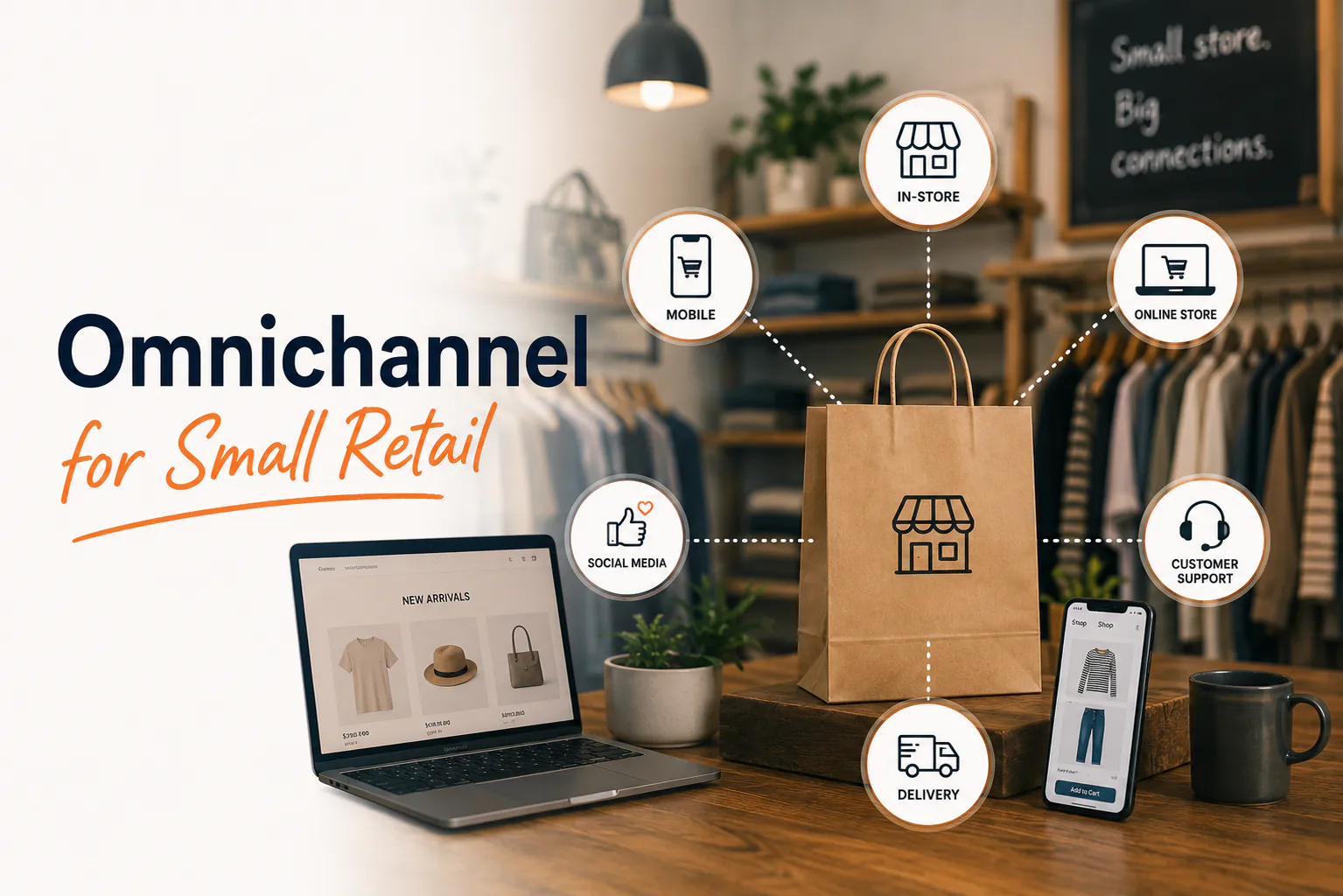
Omnichannel just means in-store and online run as one business, not two. Same products, same stock count, same customer view, all in one place.
This isn't a fringe idea anymore. In Australia, 68% of venues now offer some form of online ordering, and 52% have delivery built right into their POS. Selling across channels is becoming the norm, not the exception.
The good news for small retailers: omnichannel POS platforms sync directly with eCommerce stores like Shopify. Stock levels stay accurate across both, and your reporting lands in one spot.
The three things you actually get
You don't need every feature on day one. These three do most of the heavy lifting.
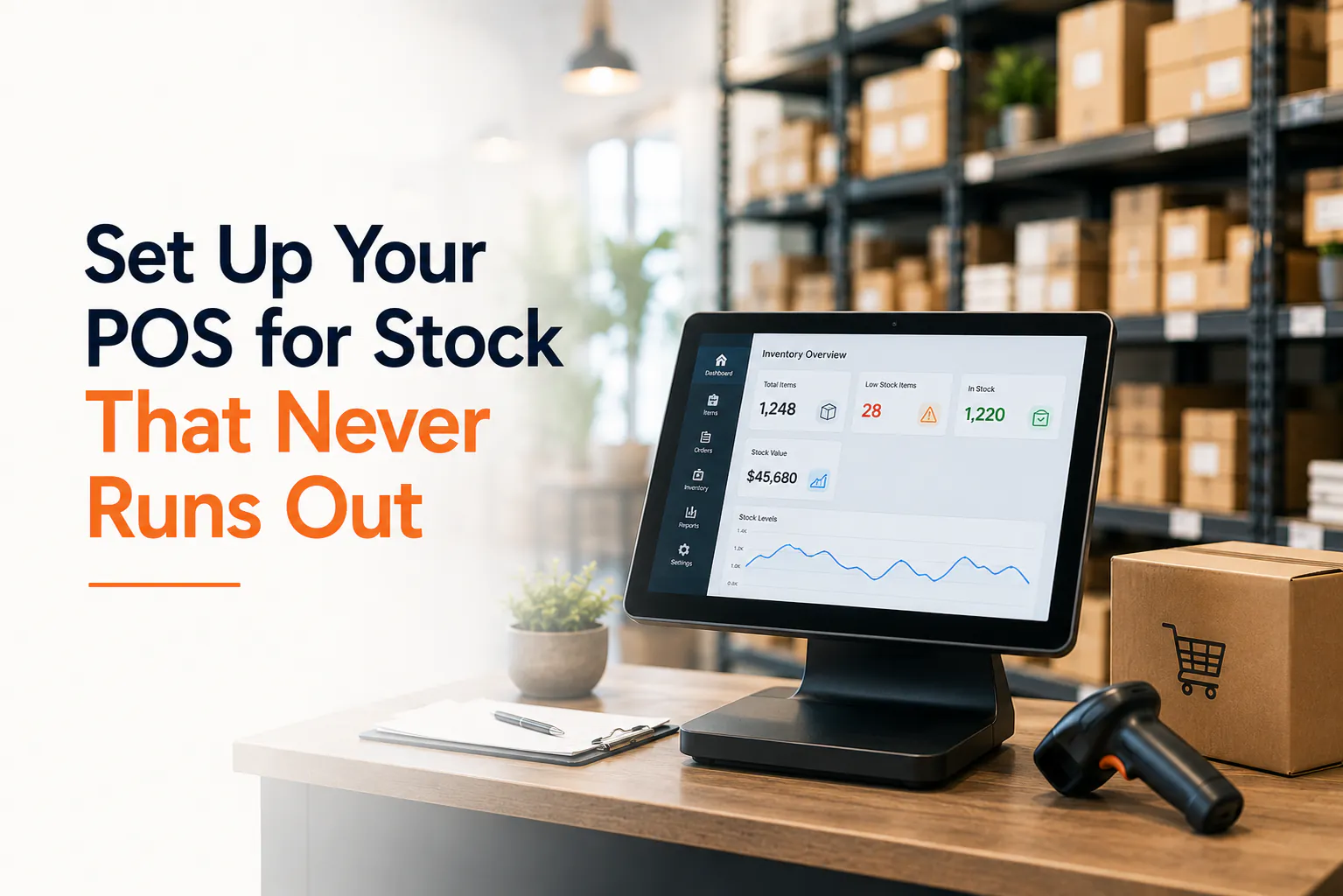
Synced stock. Sell one unit anywhere and the count updates everywhere, in real time. No more overselling that last pair of sneakers. No more padding your online numbers "just in case".
Unified reporting. One dashboard for online and in-store sales. You can see your top sellers, your quiet days, and your real margins without stitching reports together.
Click-and-collect. Customers buy online and pick up in-store. It's convenient for them, and it pulls foot traffic through your door, where people tend to add that extra thing to the basket.
Where Weeklify fits
This is the part Weeklify is built for. It keeps your in-store and online stock in one place, so the count you see at the counter is the same count your customer sees online. One source of truth, less to chase.
Getting started: a realistic first step
You don't have to overhaul everything this week. Start small and build.
- List your channels. Shopfront, Shopify, Instagram shopping — write down everywhere you actually sell.
- Pick your single source of truth for stock. One system holds the real count; the others sync to it.
- Tidy your product data first. Match names, SKUs and prices across channels before you connect anything.
- Connect your online store to your POS so stock syncs both ways.
- Do a small test. Sell one item in-store and check the count drops online too.
- Turn on click-and-collect once stock is syncing reliably.
- Check your unified reports weekly and bin the old spreadsheets.
Work through that list and the oversold-sneakers problem mostly disappears. You'll spend less time reconciling and more time selling.
Want to see your shopfront and online store running off one stock count? Have a look at how Weeklify handles omnichannel retail, or talk to our team about your setup.
Sources: Australian Restaurant Business Statistics — Tap Touch POS; POS System Trends 2026: AI, Voice Ordering and Cloud Technology — LithosPOS
This article is general information only and doesn't account for your specific business circumstances. Check what suits your setup before making changes.
The Weeklify team writes about payments, POS and the day-to-day of running a service business in Australia.
Run a calmer, fuller salon.
Everything you just read is built into Weeklify. Start your three months free — no credit card.