
It's 2pm on a Saturday. The queue's curled past the gift cards, a customer up the back checks their watch, sighs, puts the jumper back on the rack and walks out. That's a sale gone — not because of price, not because of stock, but because the line moved too slow.
Here's the good news: most checkout slowdowns are fixable without rostering on another person. They come down to setup and habits. Tidy those up and the same staff serve more people, calmer, on your busiest days.
This guide walks through the tactics that actually move the line — the ones you can start on this week.
Sort your barcodes and product setup first
Most slow checkouts start in the back office, not at the till. If a product won't scan, your team's left typing names, hunting menus or calling for help. Multiply that by a Saturday rush and you've got a queue.
So make scanning the default. Barcode everything you can, including odd one-offs and seasonal lines. For loose or unbarcoded items — the deli counter, the bulk bin, the punnet of strawberries — set up quick-pick buttons or shelf labels with scannable codes.
Clean names help too. "Blue Tee L" beats "Item 4471" when a new casual is searching. The clearer your setup, the less anyone has to think mid-sale.
Cut manual price lookups
The price check is a classic queue-killer. Someone calls out "how much is this?", a staffer wanders off to the shelf, and three customers wait.
Get prices living in the system, not in people's heads. Keep them current, and put a price-check function within reach so anyone can confirm in two taps. Train the team to trust the screen, not memory. Fewer guesses, fewer "let me just check" trips, a faster line.
Use saved and parked carts
Every retailer knows the awkward pause. A customer realises they've forgotten something, or needs to ring their partner about the colour. The whole queue stops while they decide.
Parking the sale fixes this. Save the cart, serve the next person, and come back when your customer's ready. Nobody loses their spot, nobody feels rushed, and the line keeps moving. It's one of the simplest habits to build, and one of the most effective.
Take the checkout to the customer
When the line's long, the till doesn't have to be the only place you sell. Mobile checkout — a tablet or phone running your POS — lets a staffer walk the queue and "line-bust".
They scan items, take payment on the spot, and the customer walks straight out the door. On peak days this turns one bottleneck into several moving lanes. It's also handy at a sidewalk sale, a market stall or a pop-up, where there's no fixed counter at all.
Make tap-to-pay the easy default
Payment is where seconds add up. Fumbling for cash, waiting for a receipt to print, signing a slip — it all stacks.
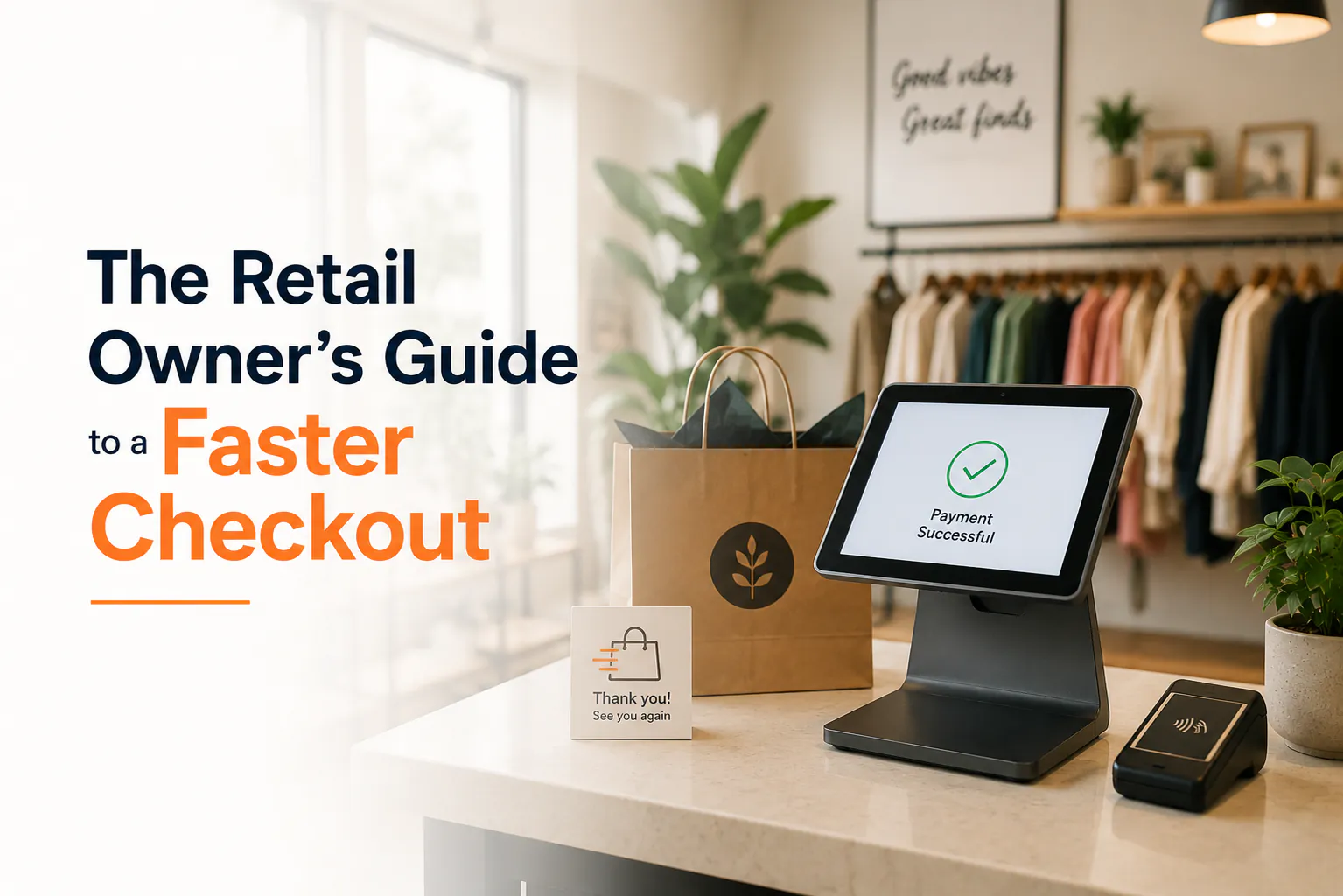
Tap-to-pay is faster than chip, and far faster than cash. Make sure your terminal's set up for contactless and mobile wallets, and position it so customers can tap without being asked twice. Offer a digital receipt instead of waiting on the printer. Small changes, but they shave real time off every single sale.
Make returns quick, not a standoff
Returns clog the counter more than almost anything. A customer waits while someone digs through a drawer for the receipt, then works out the refund by hand.
Speed it up with receipt lookup — find the original sale by card, phone number or order number, and process the refund in a few taps. Have a clear, simple returns policy your whole team knows by heart, so nobody has to "go ask the manager". A fast, friendly return also brings that customer back, which is the whole point.
Your faster-checkout checklist
Run through this before your next busy weekend:
- Every product scans — barcodes on one-offs and seasonal lines too
- Loose items have quick-pick buttons or scannable shelf labels
- Product names are clear enough for a brand-new casual to find
- Prices live in the system and are easy to check at the till
- Staff know how to park a sale and serve the next customer
- A tablet or phone is ready for mobile line-busting on peak days
- The terminal's set for tap-to-pay and mobile wallets
- Digital receipts are switched on
- Returns use receipt lookup, with a policy the whole team knows
You don't need all nine today. Pick the two that hurt most on your busiest afternoon and start there.
Where Weeklify fits
A cloud POS like Weeklify brings these pieces together — barcode scanning, parked carts, mobile checkout, tap-to-pay and receipt-lookup returns — in one system your casuals can pick up fast. The point isn't more screens. It's a shorter line and a calmer Saturday.
Want to see it on your busiest day? Have a look at how Weeklify handles checkout, or get in touch for a quick walkthrough.
Sources: POS System Trends 2026: AI, Voice Ordering & Cloud Technology Reshaping Retail and Restaurants
General information only. Every shop runs differently, so test what works for your floor and your team.
The Weeklify team writes about payments, POS and the day-to-day of running a service business in Australia.
Run a calmer, fuller salon.
Everything you just read is built into Weeklify. Start your three months free — no credit card.