
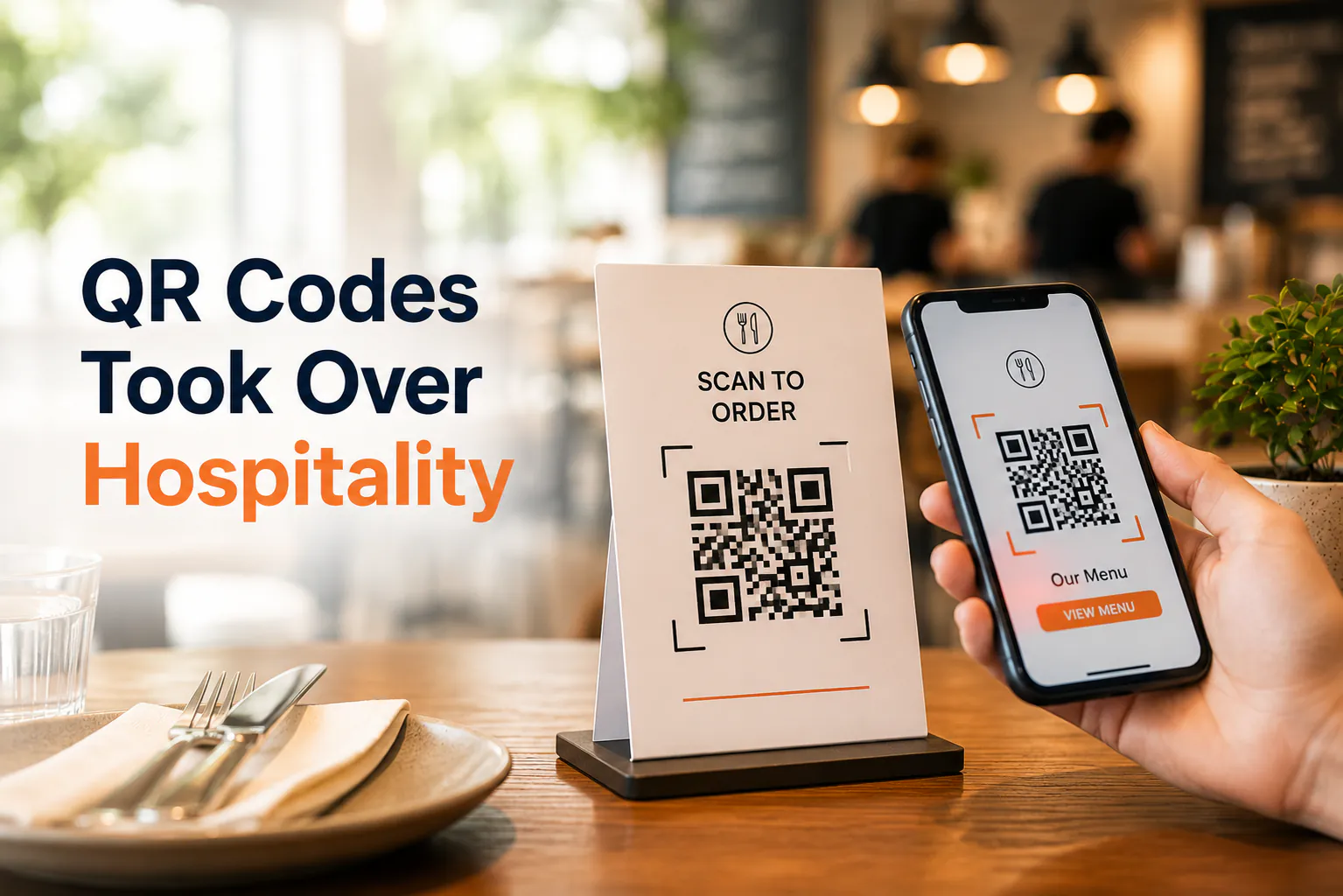
Eighteen months ago, half your regulars didn't know what a QR code was. Now they're scanning one before they've even sat down.
COVID did that. The square black-and-white code went from gimmick to everyday in a single season. Here's how to turn that "emergency QR" into something that actually lifts your table turnover and average order size.
How we got here so fast
QR codes surged across Australia through 2021. A lot of it came from check-ins and contact tracing — scan to sign in, scan to see the menu. They were suddenly everywhere.
The numbers back it up. "QR code" was searched more than 60,000 times in Australia over a 12-month stretch. The pandemic changed how people order their coffee and their schnitzel, and it changed it overnight.
So the habit is locked in. Your customers will scan. The question is whether your setup rewards them for it.
"Emergency QR" vs the real thing
Most venues did the same thing in a hurry. Printed a code, linked it to a PDF menu, stuck it on the table. Job done — for survival.
But a PDF on a phone is a chore. Tiny text. Endless pinching and zooming. No way to actually order. That's an emergency fix, not a system.
The real version does three things your PDF can't:
- Shows a clean, mobile-friendly menu people can read one-handed.
- Lets the customer order and pay from their seat.
- Sends that order straight to your kitchen and POS, no retyping.
That's the gap between surviving QR and using it.
Why a proper setup pays off
When ordering is easy, people order more. They don't wait to catch your eye. They add a second coffee or a side because the menu's right there and it's no hassle.
Table turnover improves too. Less time flagging staff, less time waiting on the bill. Customers pay when they're ready and head off. The table's free sooner.
And your staff stop running back and forth taking orders. They spend that time on service that actually matters — recommending the special, clearing plates, making the room feel looked after.
The mistakes that quietly cost you
A few traps catch venues again and again. Worth knowing before they cost you covers.
A clunky menu. If it's slow to load or hard to read, people give up and wave you over. You're back to square one, plus a frustrated customer.
No POS integration. If orders land in an inbox or a separate app, someone has to re-key them. That's slower than the old way and it breeds mistakes.
No link to payment. If they can browse but not pay, you've added a step, not removed one. The magic is order and pay in the same flow.
One code for everything. A single generic code can't tell table 4 from table 12. Codes tied to each table route orders to the right spot automatically.
Where this is all heading
This isn't a passing thing. More than 60% of casual dining venues now offer QR payments. It's becoming the norm, not the novelty.
The industry's tidying it up, too. In 2022, AusPayNet introduced guidelines for consistent QR usage across the country. So expect QR ordering to get smoother and more standard, not to fade away.
Where Weeklify fits
This is the bit a cloud POS makes simple. With Weeklify, the QR menu, the order, and the payment are one connected flow — the order drops into your POS and kitchen instantly, no retyping. You set the menu once and it updates everywhere.
Your contactless ordering checklist
Run through this before your next busy service:
- Mobile-first menu. Loads fast, readable without zooming.
- Order and pay in one flow. No separate steps or apps.
- POS integration. Orders land in your system automatically — no re-keying.
- Per-table codes. Each order knows where it's going.
- Easy menu updates. Change a price or a special in seconds, everywhere at once.
- A visible, clean code. Sturdy, well-placed, not a curling printout.
- A backup. Staff ready to take an order the old way if a phone won't cooperate.
Tick those off and you've moved from "we got through COVID" to a setup that genuinely earns its keep.
Want to see QR ordering and payment running as one flow? Have a look at how Weeklify connects it all.
Sources: Uniqode — The surge of QR codes in Australia; Eats365 — QR code ordering for restaurants
General information only. This article doesn't account for your venue's specific circumstances — check what suits your setup before making changes.
The Weeklify team writes about payments, POS and the day-to-day of running a service business in Australia.
Run a calmer, fuller salon.
Everything you just read is built into Weeklify. Start your three months free — no credit card.