
Watch your counter for an hour. How many people reach for cash? Barely any. They tap a card or a phone and they're gone.
So here's the truth: your POS and payment terminal aren't just a back-end tool anymore. They are your front counter. This guide shows you what to check so the tap is fast, reliable, and doesn't quietly cost you money.
Cash is the exception now, not the rule
The numbers are stark. Tap-and-go has become how Australians pay in person, and the pandemic locked it in. When nobody wanted to touch a keypad or hand over notes, contactless went from handy to default — and it stayed there.
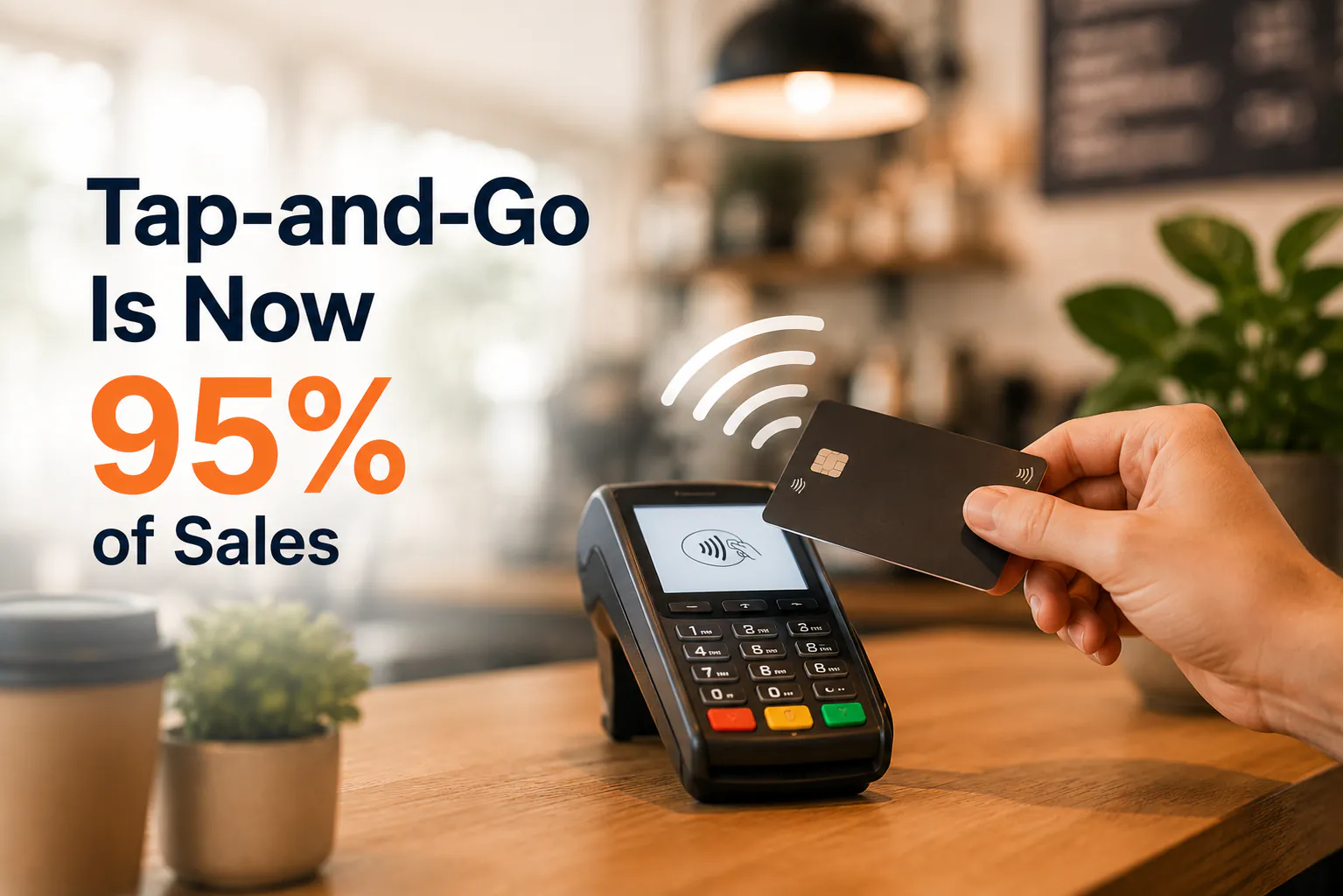
By 2022, 95% of in-person card transactions in Australia were tap-and-go, according to the Reserve Bank of Australia. That's not a niche. That's almost every sale at your counter.
So the moment a customer taps is now the moment your business is judged. A slow or flaky terminal is the modern equivalent of a long queue. People notice, and they remember.
Your terminal is the new first impression
Think about the last few seconds of any sale. The coffee's made, the order's bagged, the customer's ready to go. Then they tap. Everything good about your service can unravel right there if the tap drags.
Speed matters more than you'd think. A terminal that takes five seconds to wake up, or asks for a signature when it shouldn't, breaks the rhythm of a busy morning. Multiply that across a rush and you've lost real minutes — and a bit of goodwill each time.
Reliability matters just as much. A terminal that drops connection mid-rush isn't a minor glitch. It's lost sales, an awkward apology, and a customer who walks out empty-handed.
Four checks worth doing this week
You don't need to be technical to test any of this. Grab your terminal and run through it yourself.
Speed. Time a real tap, start to finish. From card-on-reader to "approved", you want it under a few seconds. If it's slow, ask your provider whether it's the terminal, the connection, or the settings.
Reliability. Does it hold its connection during your busiest hour? If it drops on wifi, a 4G-backed terminal or a wired connection can save you. Test it when the shop's actually full, not at 9am on a Tuesday.
Fees. Know what you're paying. Card acceptance for Visa and Mastercard credit sits roughly between 1% and 1.5% in Australia. Pull out your last statement and check your effective rate against that. If you're paying well above it, it's worth a conversation with your provider.
Customer experience. Can people tap a phone or watch, not just a card? Does the screen show a clear total before they pay? Small things, but they're the difference between a smooth tap and a confused pause.
The hidden cost of "she'll be right"
Most owners set up their terminal once and never look again. Fair enough — you've got a business to run. But fees creep, contracts roll over, and what was competitive three years ago might not be now.
A quick yearly check costs you ten minutes. Leaving it could cost you a percentage point on every single sale, all year. On thin café or retail margins, that adds up fast.
How a cloud POS keeps the tap honest
Here's the small Weeklify bit. A cloud POS keeps tap-to-pay quick at the counter and ties every payment straight back to your sales reporting — so your end-of-day numbers actually match what went through the terminal. No manual reconciling, no guesswork about which sale was cash and which was card.
Your tap-and-go checklist
Run through this once a year, or whenever a rush feels slower than it should:
- Time a real tap — is it under a few seconds, start to finish?
- Does the terminal hold its connection during your busiest hour?
- Have you got a backup connection (4G or wired) if wifi drops?
- Check your last statement — is your effective rate near 1%–1.5%?
- Can customers tap phones and watches, not just cards?
- Does the screen show a clear total before payment?
- Do your card sales match your POS reports at end of day?
If you can tick all seven, your front counter's in good shape. If not, you've just found exactly where to start.
Sources: Australia payment statistics — Zai; Reserve Bank of Australia — Payments and Infrastructure
This article is general information only and doesn't account for your specific circumstances. Check your own merchant agreement and statements, and speak to your payment provider for advice on your setup.
The Weeklify team writes about payments, POS and the day-to-day of running a service business in Australia.
Run a calmer, fuller salon.
Everything you just read is built into Weeklify. Start your three months free — no credit card.